Write it your way
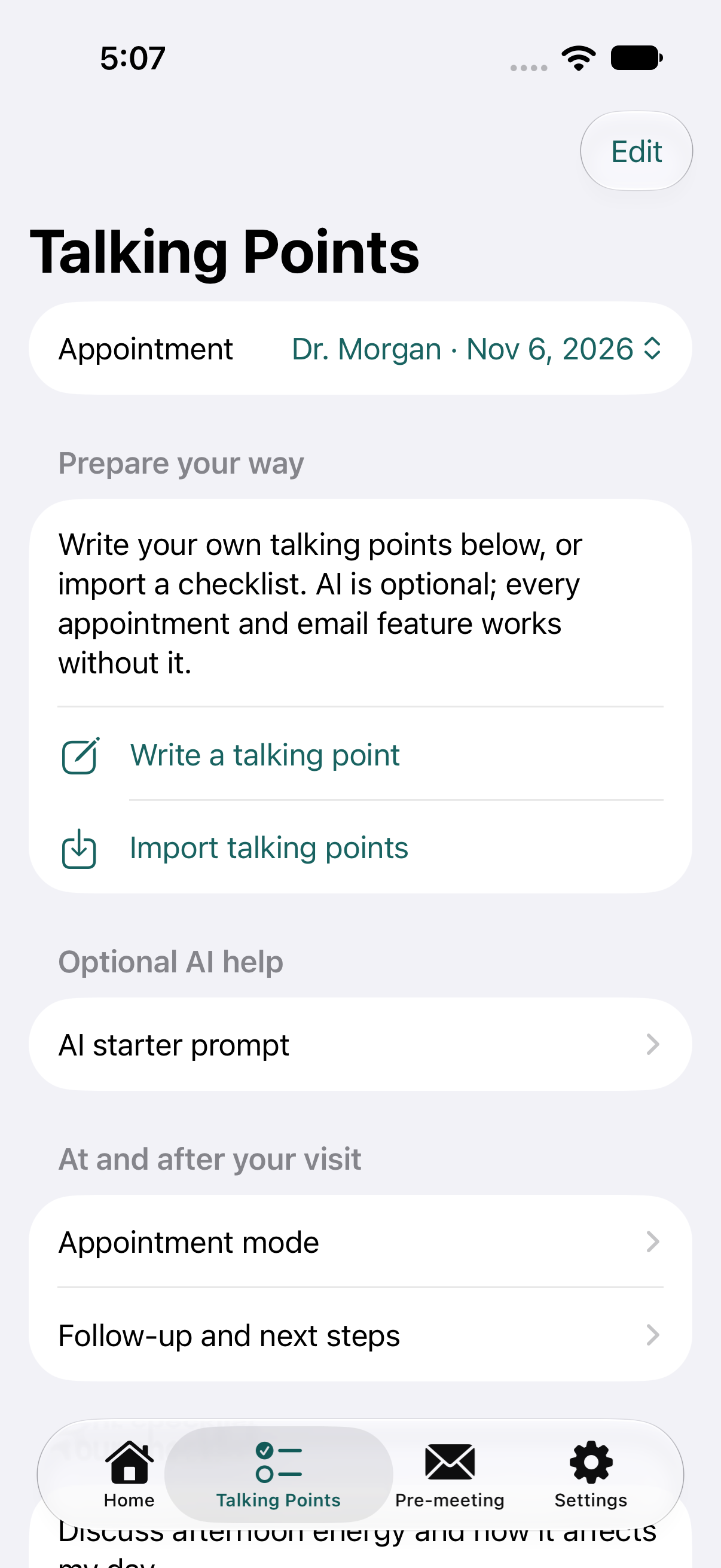
Add, edit, order, and check off your own talking points. Every appointment and email feature works without AI.
Questions, emails, and checklists—all in one place, with optional AI assistance.
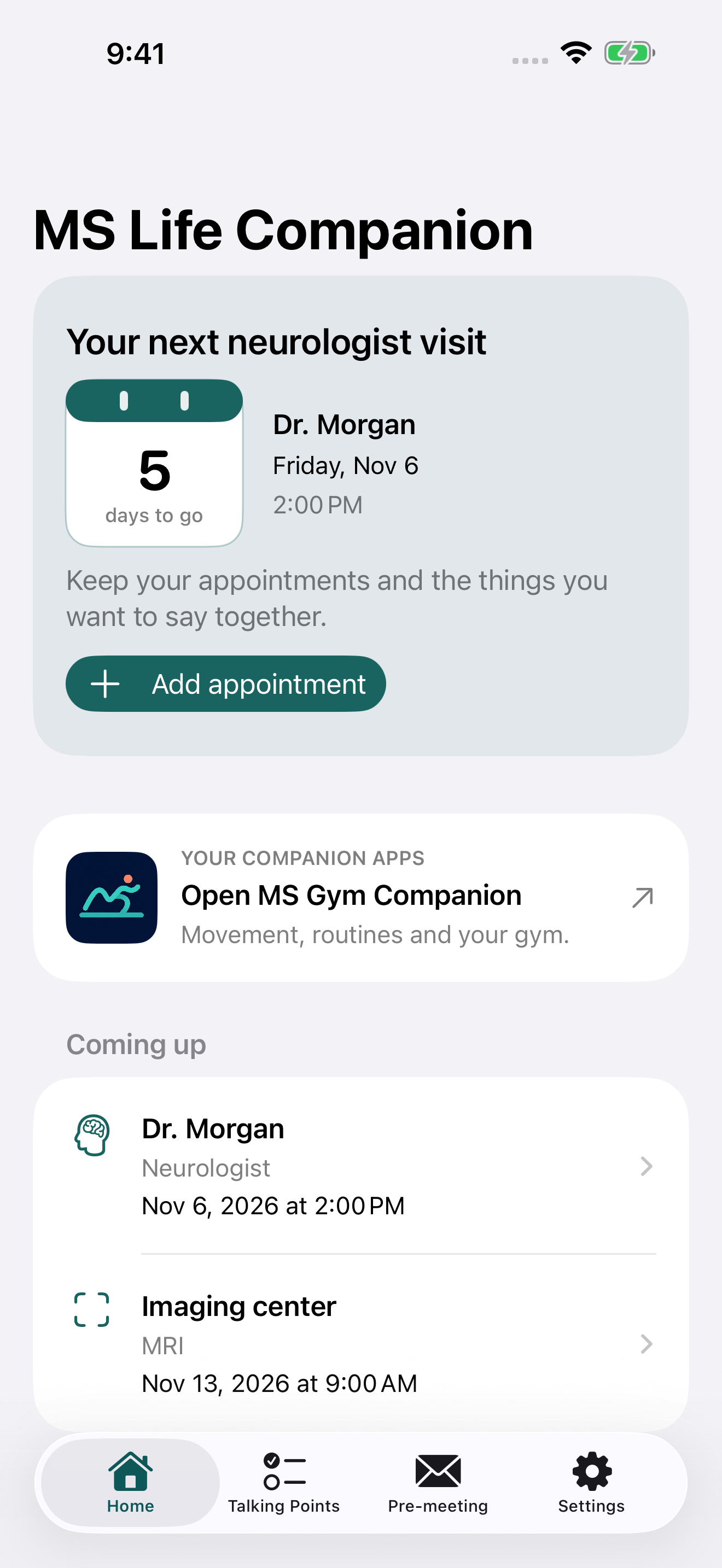
Your questions come first. Prepare manually at your own pace, use optional AI help only when it suits you, and review everything before it becomes part of your visit.
Prepare your way
Start with your own words. Edit, order, and review each point, then stay oriented during the appointment and keep the next actions visible afterward.
Add, edit, order, and check off your own talking points. Every appointment and email feature works without AI.
If you want it, copy a starter prompt into your own AI chat, then paste and review its checklist before anything enters the app.
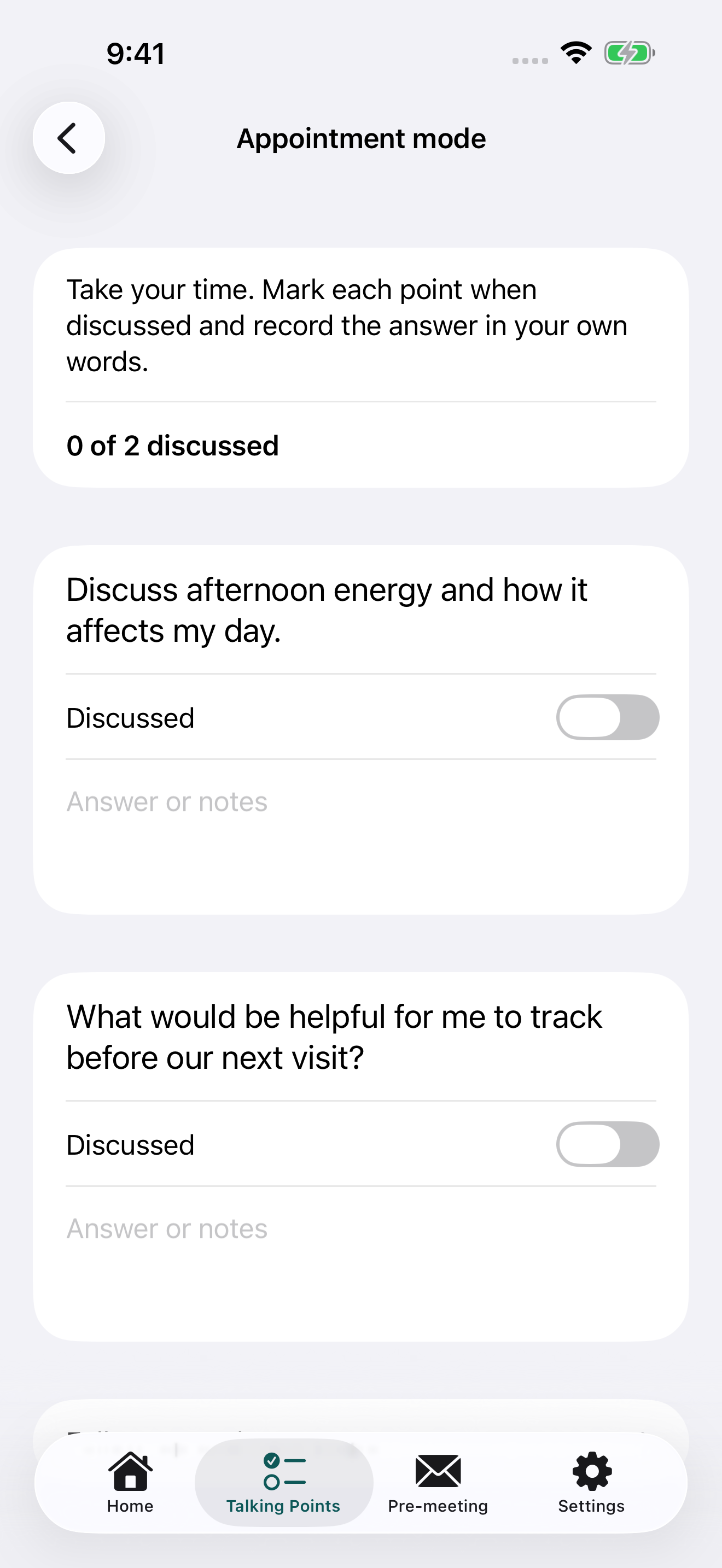
Use Appointment Mode to mark what was discussed, capture answers, save follow-up actions, and move unfinished questions forward.
Inside the app
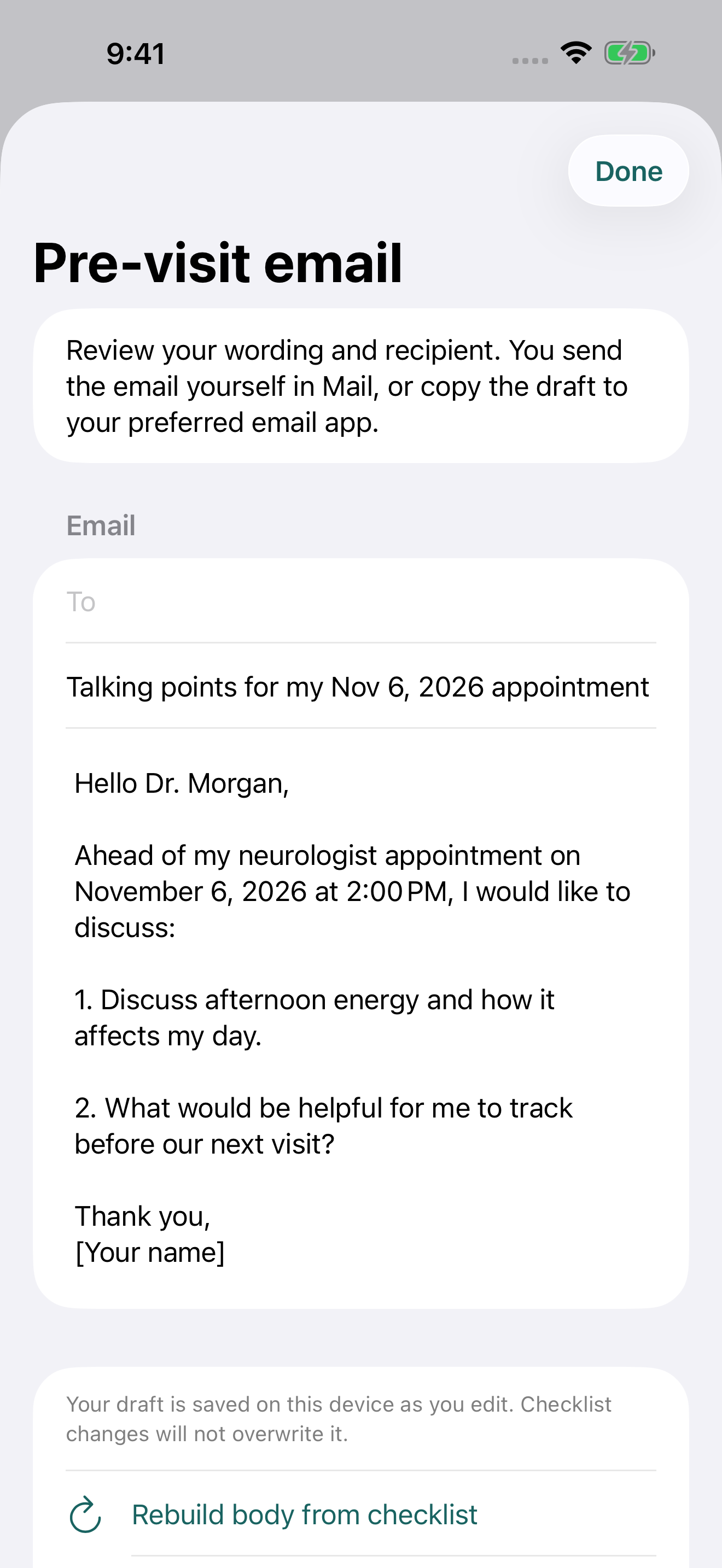
Write directly in the app or import a reviewed checklist, then prepare the conversation, the email, and the follow-up in one local workflow.
Care information, with boundaries
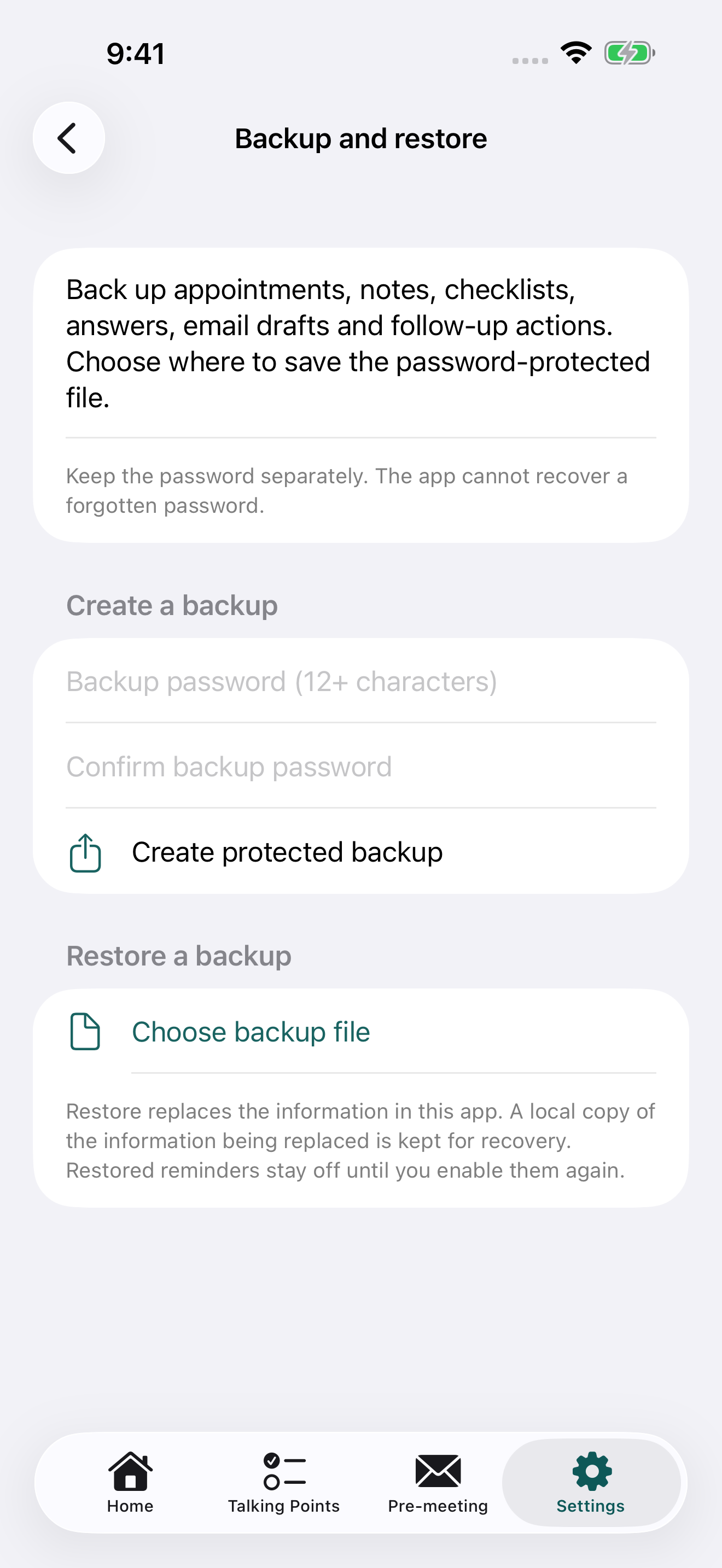
Appointments, clinician contact details, notes, talking points, answers, drafts, and follow-up actions stay locally on your iPhone. The app has no account, advertising, analytics, or tracking.
MS Life Companion does not diagnose, recommend treatment, or replace your care team. It does not request Health, calendar, microphone, camera, or location access.
Optional support
Optional support helps cover device testing, Apple developer costs, and the work of keeping the experience private, reliable, and accessible.
Support on Ko-fiSupport is optional and goes toward the whole AwesomeOApps collection.